
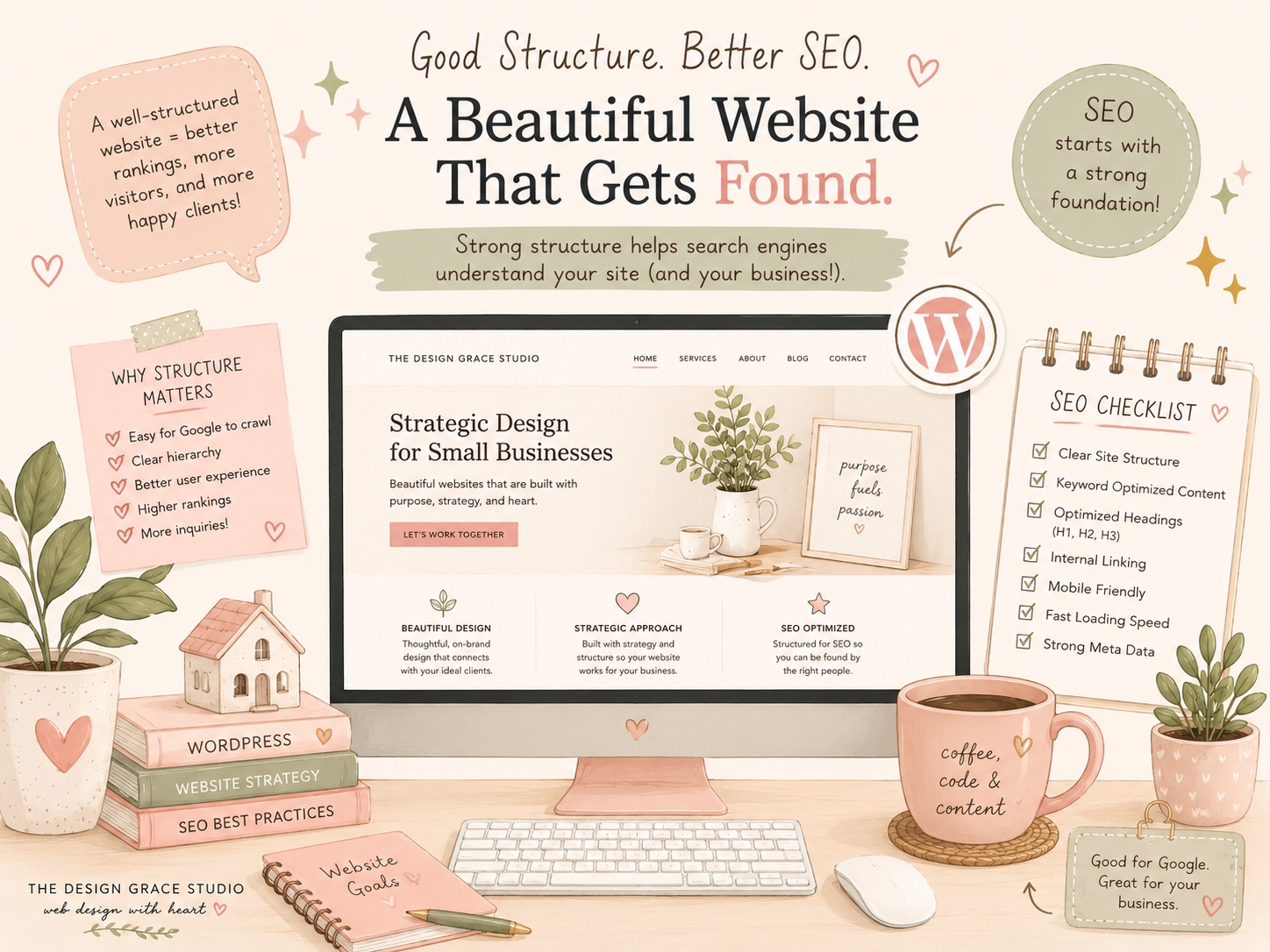
Many small business owners spend time and money creating a beautiful WordPress website, only to wonder why they’re not showing up in Google search results.
The truth is, good SEO isn’t just about keywords.
One of the most overlooked factors affecting your website’s visibility is its structure—the way your pages, content, headings, navigation, and layout are organized.
A website can look amazing on the surface while quietly making it difficult for search engines to understand what your business offers.
Let’s explore why website structure matters for SEO and what small business owners can do to improve it.
What Is Website Structure?
Website structure refers to how your content is organized and connected.
This includes:
- Your navigation menu
- Page hierarchy
- Internal links
- Headings (H1, H2, H3, etc.)
- Category and tag organization
- URL structure
- Mobile responsiveness
- Overall page layout
Think of your website as a physical store.
If customers walk in and can’t find what they’re looking for, they’ll leave.
Search engines work similarly. Google needs clear pathways to understand your content and determine when it should appear in search results.
Why Website Structure Affects SEO
Google’s goal is to provide users with the best possible answer to their search.
When your website is organized logically, search engines can:
- Crawl pages more efficiently
- Understand the relationship between content
- Identify important pages
- Determine what services you offer
- Deliver a better user experience
A poorly structured website can create confusion, causing valuable pages to rank lower—or not rank at all.
Common WordPress SEO Structure Mistakes
Over the years, we’ve reviewed many WordPress websites and noticed a few recurring issues.
1. Missing Heading Structure
Many pages use headings purely for design purposes.
For example:
- Multiple H1 headings on one page
- Skipping from H1 directly to H4
- Using styled text instead of actual headings
Headings help search engines understand the hierarchy of your content.
A proper structure might look like:
H1: WordPress Website Maintenance Services
H2: What’s Included
H2: Benefits of Ongoing Maintenance
H3: Plugin Updates
H3: Security Monitoring
2. Service Pages Hidden Deep in the Site
Some businesses place their most important services several clicks away from the homepage.
If Google has difficulty finding a page, it may consider it less important.
Your primary services should be easily accessible from:
- Main navigation
- Homepage sections
- Relevant internal links
3. Poor Internal Linking
Internal links connect pages throughout your website.
For example, a blog post about website speed can naturally link to your WordPress maintenance services page.
These links help:
- Users discover relevant content
- Search engines understand page relationships
- Important pages gain authority
4. Large Pages Built Entirely with Visual Elements
Modern page builders make it easy to create visually appealing layouts.
However, some pages become heavily dependent on images, sliders, animations, and design elements while containing very little actual content.
Google still relies heavily on text to understand what a page is about.
A beautiful design should support your content—not replace it.
5. Duplicate or Thin Content
Many small business websites have pages with only a few sentences describing their services.
This makes it difficult for search engines to determine expertise and relevance.
Each important service page should clearly explain:
- What the service is
- Who it’s for
- Common problems it solves
- Benefits
- Frequently asked questions
User Experience and SEO Go Hand in Hand
SEO isn’t just about pleasing search engines.
Google increasingly rewards websites that provide a positive user experience.
A well-structured website helps visitors:
- Find information quickly
- Navigate without frustration
- Understand your services
- Stay longer on your website
- Contact your business
When users engage positively with your site, it sends valuable signals to search engines.
Why WordPress Website Audits Are Worth It
Many business owners install an SEO plugin and assume everything is optimized.
While tools like Rank Math or Yoast can help, they don’t automatically fix structural issues.
An SEO audit often uncovers problems such as:
- Broken internal links
- Incorrect heading hierarchy
- Duplicate metadata
- Slow-loading pages
- Crawlability issues
- Poor content organization
- Technical SEO errors
Addressing these issues can improve both search visibility and user experience.
A Real-World Example
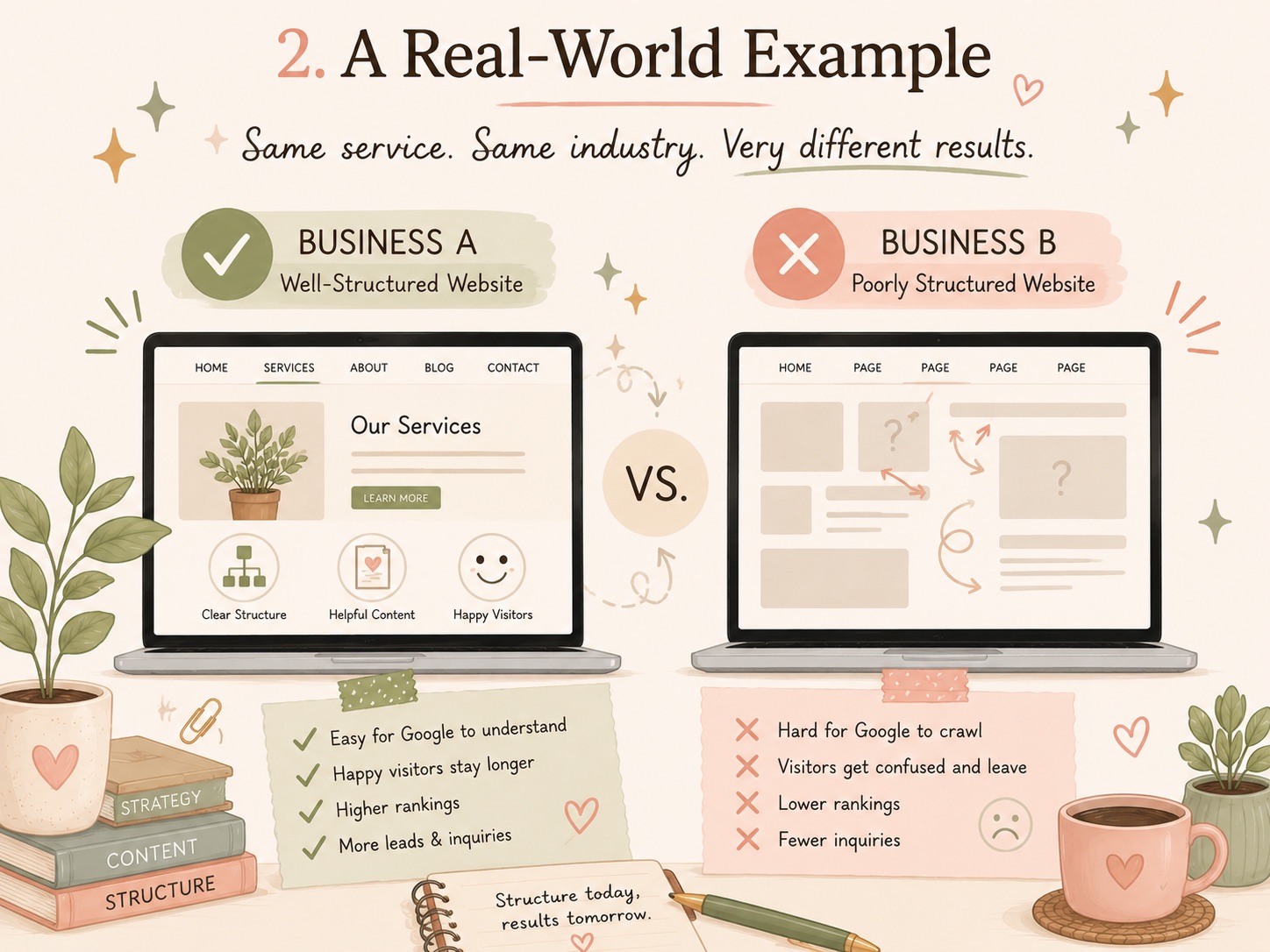
Imagine two businesses offering the same service.
Business A has:
- Clear page hierarchy
- Optimized headings
- Fast loading pages
- Strategic internal links
- Helpful content
Business B has:
- Random page organization
- Missing headings
- Thin content
- Slow performance
Even if both businesses target the same keywords, Business A will usually have a much better chance of ranking well because search engines can clearly understand the website.
Simple Steps You Can Take Today
If you’re managing your own WordPress website, here are a few quick wins:
- Review your heading structure on key pages.
- Ensure every important service has its own dedicated page.
- Add internal links between related pages and blog posts.
- Remove outdated or duplicate content.
- Check that your website works well on mobile devices.
- Improve page loading speed where possible.
- Make it easy for visitors to contact you.
Small improvements can make a significant difference over time.
Need Help Optimizing Your WordPress Website?
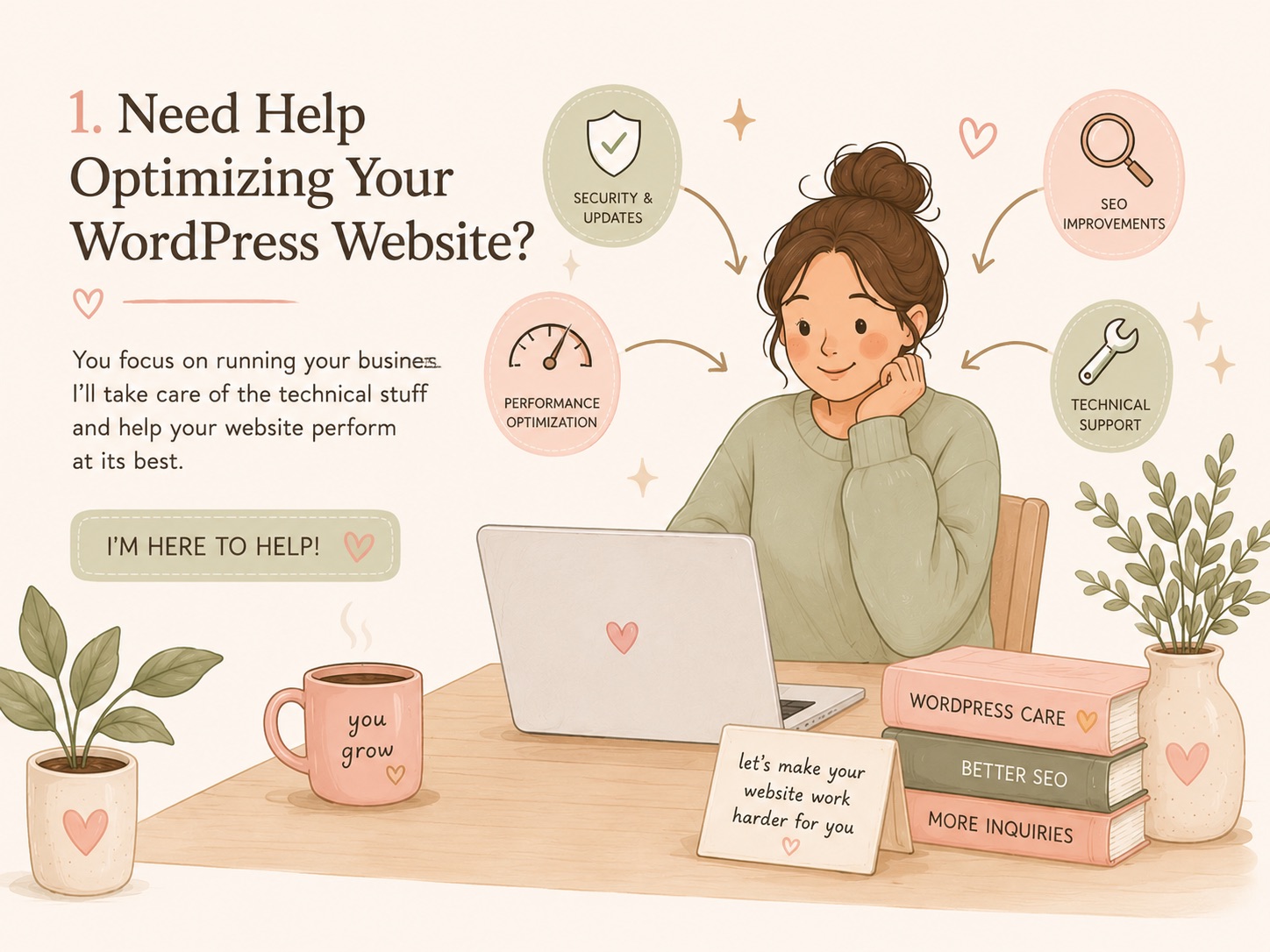
If you’re a small business owner, you probably have enough on your plate already.
Managing plugins, updating content, monitoring SEO, and troubleshooting website issues can quickly become overwhelming.
At The Design Grace Studio, we help small businesses get more from their WordPress websites through:
- WordPress support and maintenance
- SEO-focused website improvements
- Performance optimization
- Technical troubleshooting
- Website audits and recommendations
Whether your site needs a few adjustments or a complete structural review, we’re happy to help.
A well-designed website should do more than look good—it should help your business get found, build trust, and generate inquiries.
If you’re unsure whether your website is helping or hurting your SEO, get in touch and let’s take a look.