
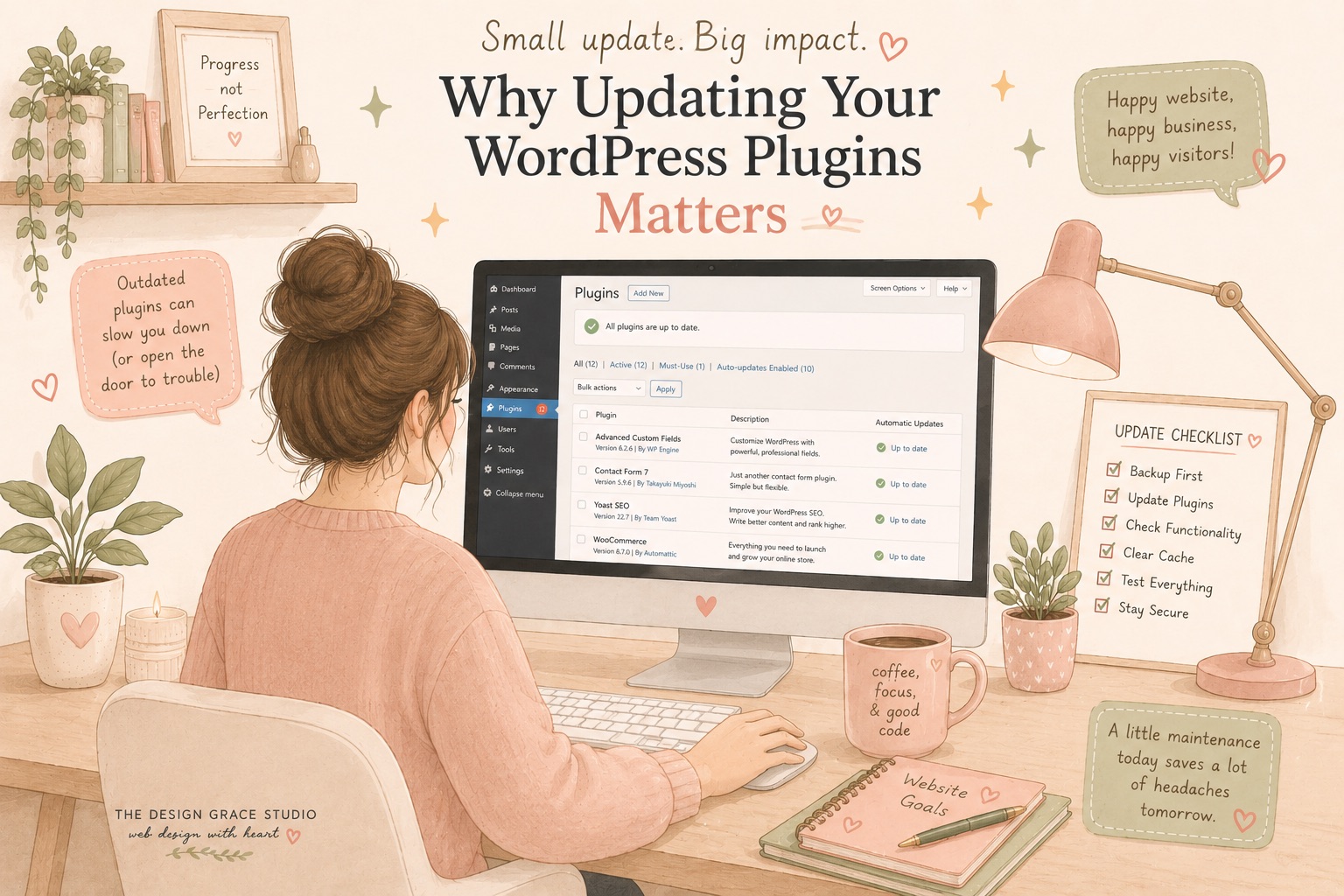
When a new website launches, many business owners assume the hard work is done.
The design is complete, the pages are live, and customers can finally find the business online.
Unfortunately, this is where one of the most common misconceptions about websites begins.
A website is not a “set and forget” asset.
Just like a car needs regular servicing, a WordPress website requires ongoing maintenance to remain secure, fast, and reliable. One of the most important parts of that maintenance is keeping plugins up to date.
What Are WordPress Plugins?
Plugins are pieces of software that extend the functionality of your website.
Whether it’s a contact form, an online store, SEO tools, booking systems, page builders, or security features, chances are your website relies on multiple plugins working together behind the scenes.
Most modern WordPress websites use anywhere from 10 to 30 plugins, with some larger websites using significantly more.
Because plugins are developed by third-party companies, they are constantly being updated to improve performance, fix bugs, add features, and address security vulnerabilities.
Why Plugin Updates Are Important
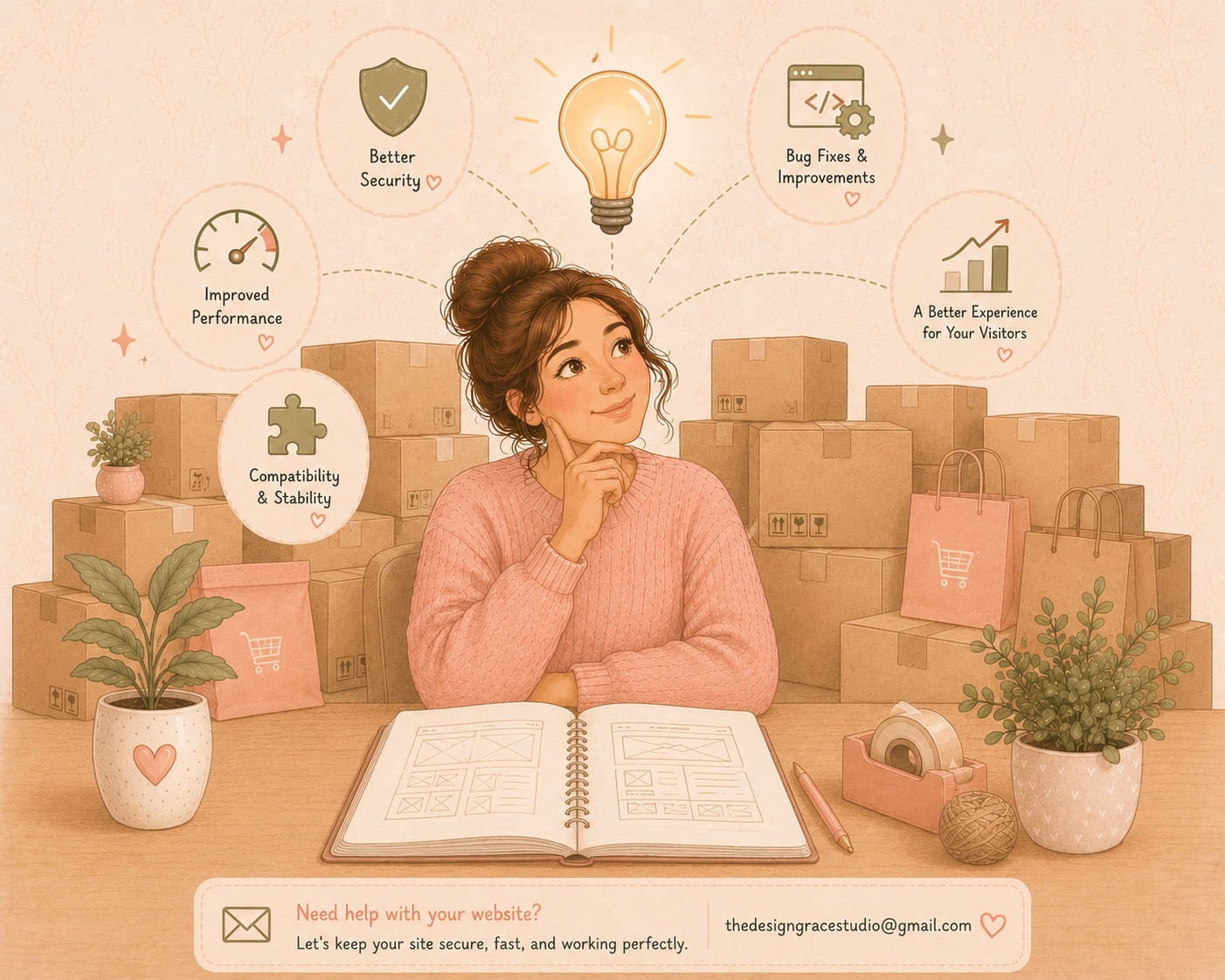
1. Security Protection
Security is the biggest reason to keep plugins updated.
When developers discover a vulnerability in their software, they release an update to patch the issue. Once that update becomes public, hackers often learn exactly what vulnerability was fixed and begin scanning the internet for websites that haven’t updated yet.
An outdated plugin can become an open door for attackers.
This can lead to:
- Malware infections
- Website defacement
- Customer data breaches
- Spam content being injected into pages
- Search engine penalties
- Complete website downtime
Many website compromises occur not because of weak passwords but because of outdated plugins.
2. Compatibility With WordPress Core
WordPress itself receives regular updates throughout the year.
Plugin developers continuously update their software to remain compatible with newer versions of WordPress.
If a plugin falls too far behind, it may stop functioning correctly after a WordPress update. This can cause:
- Broken layouts
- Missing functionality
- Checkout errors
- Form submission failures
- Slow website performance
Keeping plugins updated helps ensure all parts of your website continue working together properly.
3. Performance Improvements
Not every update is about security.
Many plugin updates include:
- Faster code execution
- Reduced server load
- Better caching compatibility
- Database optimizations
These improvements can make your website load faster and provide a better user experience for visitors.
Since page speed also impacts search engine rankings, regular updates can indirectly benefit your SEO efforts as well.
4. Bug Fixes
No software is perfect.
Even well-developed plugins occasionally contain bugs that only become apparent after thousands of users begin using them in different environments.
Developers regularly release updates to address:
- Display issues
- Functionality problems
- Mobile responsiveness bugs
- Browser compatibility concerns
- Integration conflicts
Ignoring updates often means continuing to live with problems that have already been solved.
Why You Can’t Just Update Everything Automatically
At this point, you might be wondering:
“If updates are so important, why not simply enable automatic updates?”
While automatic updates can be useful in some situations, blindly updating everything can sometimes create problems.
This is where many website owners get caught off guard.
Updates Can Occasionally Break Things
WordPress websites are made up of multiple moving parts:
- WordPress Core
- Theme
- Plugins
- Custom code
- Hosting environment
An update to one component can sometimes affect another.
For example:
- A plugin update may conflict with your theme.
- A WooCommerce update may affect your checkout process.
- A page builder update may alter page layouts.
- A custom integration may stop working after a major plugin release.
While these situations are relatively uncommon, they do happen.
This is why experienced developers rarely update a live website without precautions.
Best Practices Before Updating
A proper maintenance process typically includes:
Create a Backup
Before any updates are performed, a full backup should be available.
If something unexpected happens, the website can be restored quickly.
Test Updates Carefully
For larger or more complex websites, updates should ideally be tested in a staging environment before being applied to the live site.
Check Critical Functionality
After updates are completed, important features should be verified:
- Contact forms
- Online store checkout
- Payment gateways
- Membership areas
- Booking systems
- Custom integrations
This ensures visitors continue to have a seamless experience.
The Hidden Cost of Neglecting Maintenance
Many businesses invest thousands of dollars into building a website but spend nothing maintaining it afterward.
Months or years later, they discover:
- Plugins are severely outdated
- Security vulnerabilities exist
- Performance has degraded
- Features no longer work properly
At that point, the cost of fixing the website is often much higher than the cost of ongoing maintenance would have been.
Preventive maintenance is almost always cheaper than emergency repairs.
Why Hiring a WordPress Developer Makes Sense
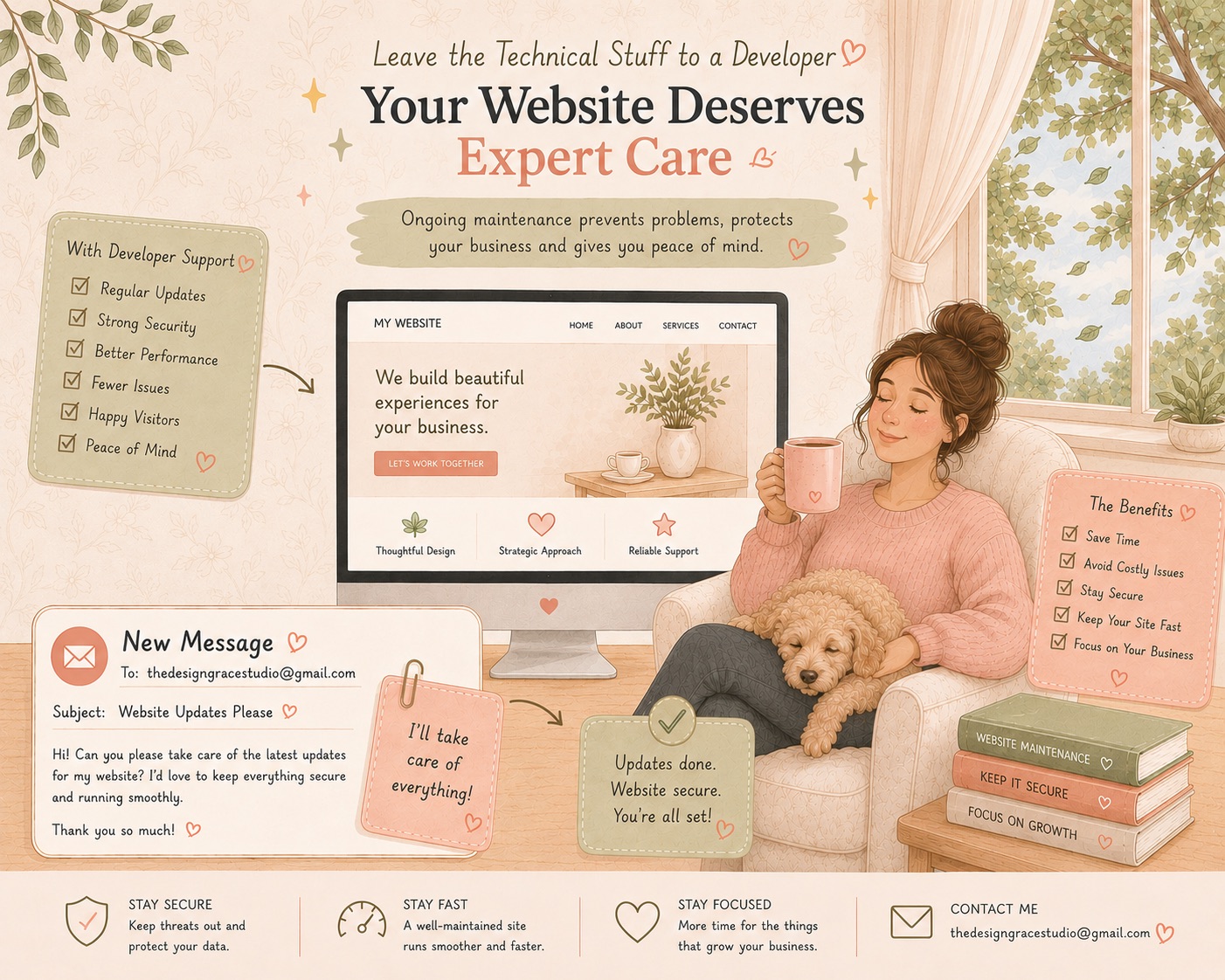
Managing updates may seem simple on the surface, but maintaining a professional website involves much more than clicking an “Update” button.
An experienced WordPress developer can:
- Monitor plugin updates regularly
- Identify potential compatibility issues
- Create backups before changes
- Test updates safely
- Resolve plugin conflicts
- Improve performance
- Keep your website secure
- Provide recommendations for better functionality
Most importantly, you gain peace of mind knowing someone is actively looking after one of your business’s most important digital assets.
Instead of worrying whether an update might break your website, you can focus on running your business.
Keep Your Website Running Smoothly
Your website is often the first impression potential customers have of your business.
Keeping it secure, fast, and fully functional requires ongoing care and attention.
Regular plugin updates are one of the simplest yet most important parts of website maintenance—but they should be handled thoughtfully and strategically.
If you’re unsure whether your website is up to date, or you need help maintaining your WordPress site, I’d be happy to help.
Need a WordPress Developer?
I help businesses maintain, troubleshoot, and optimize their WordPress websites so they remain secure, reliable, and performing at their best.
Get in touch today and let’s make sure your website stays healthy, secure, and ready for growth.